Matching Tattoo Ideas Generator
Planning a tattoo with a partner, sibling or best friend? Generate matching or complementary designs, such as two halves of one image.
2. Pick a style
Your tattoo design will appear here.
Tattoo design examples
Each one was made from a single sentence and a style.
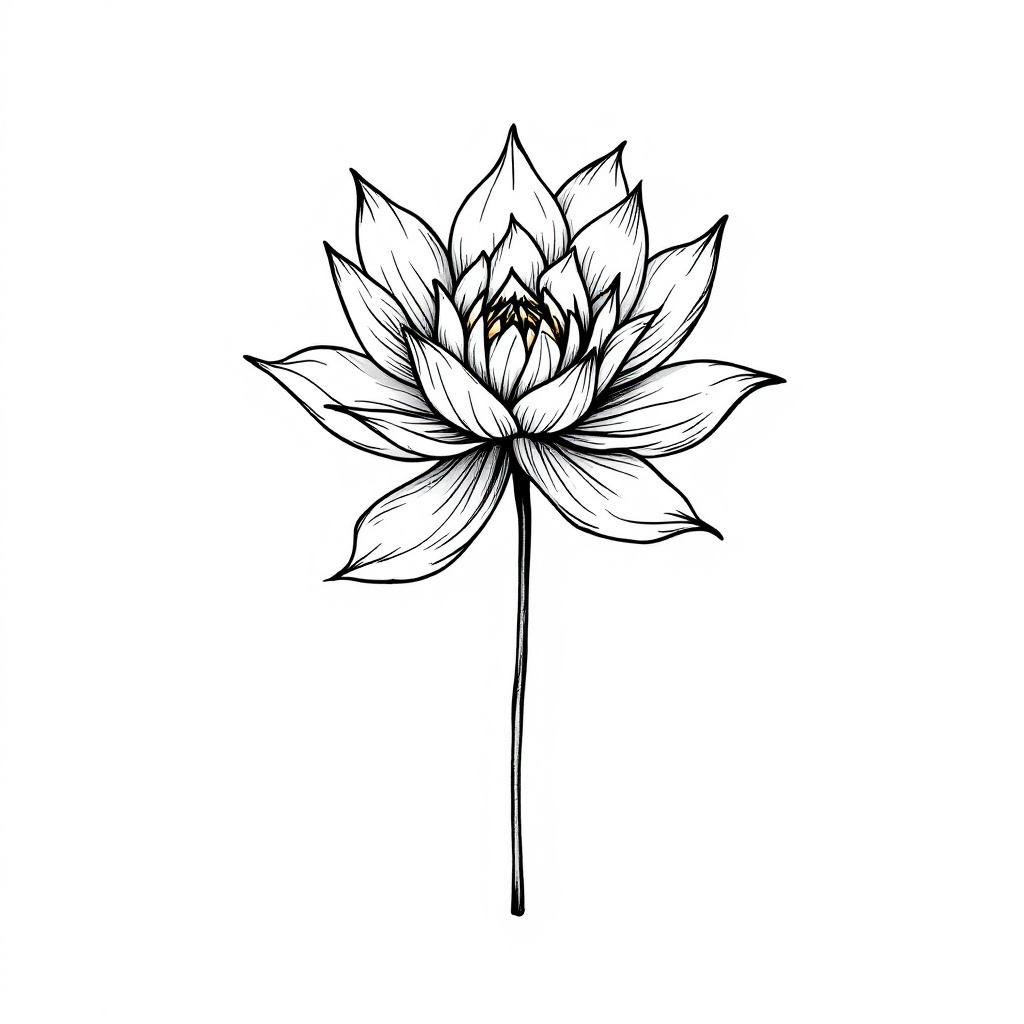
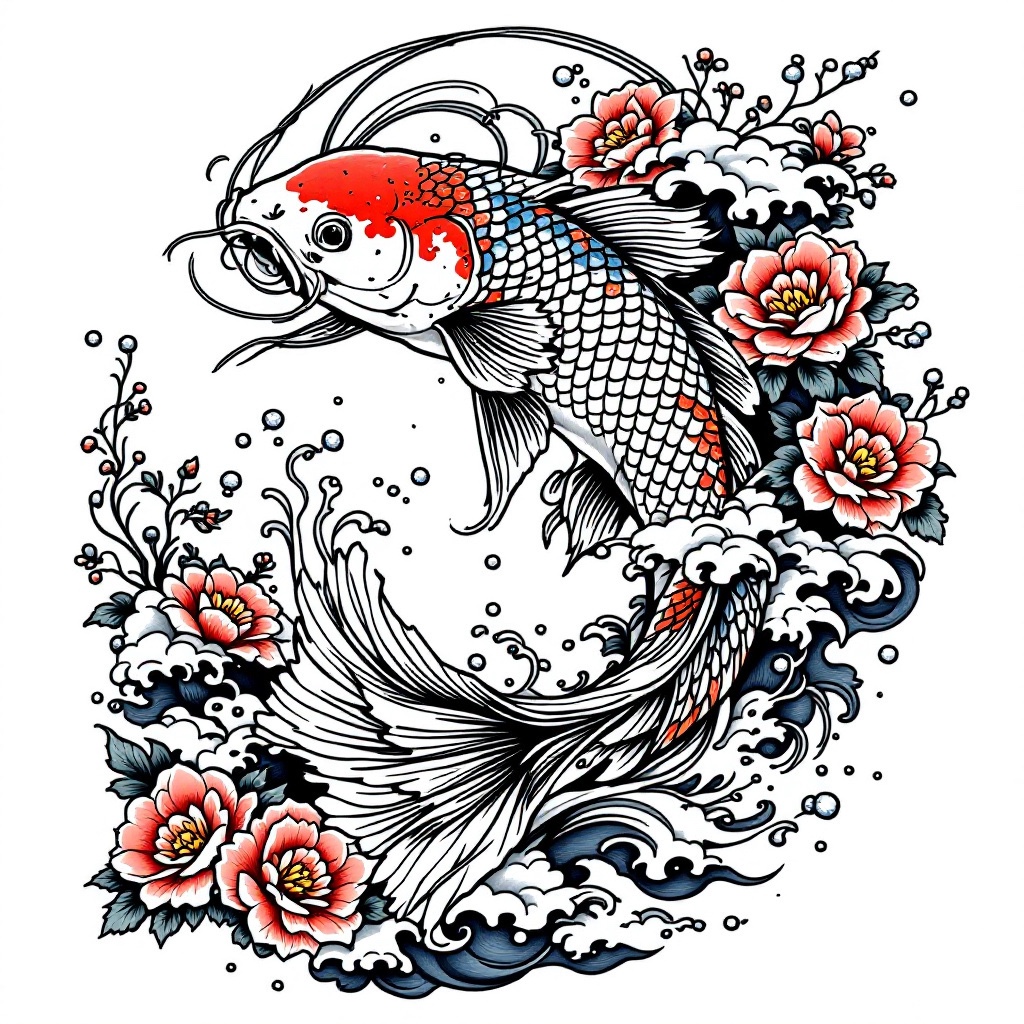
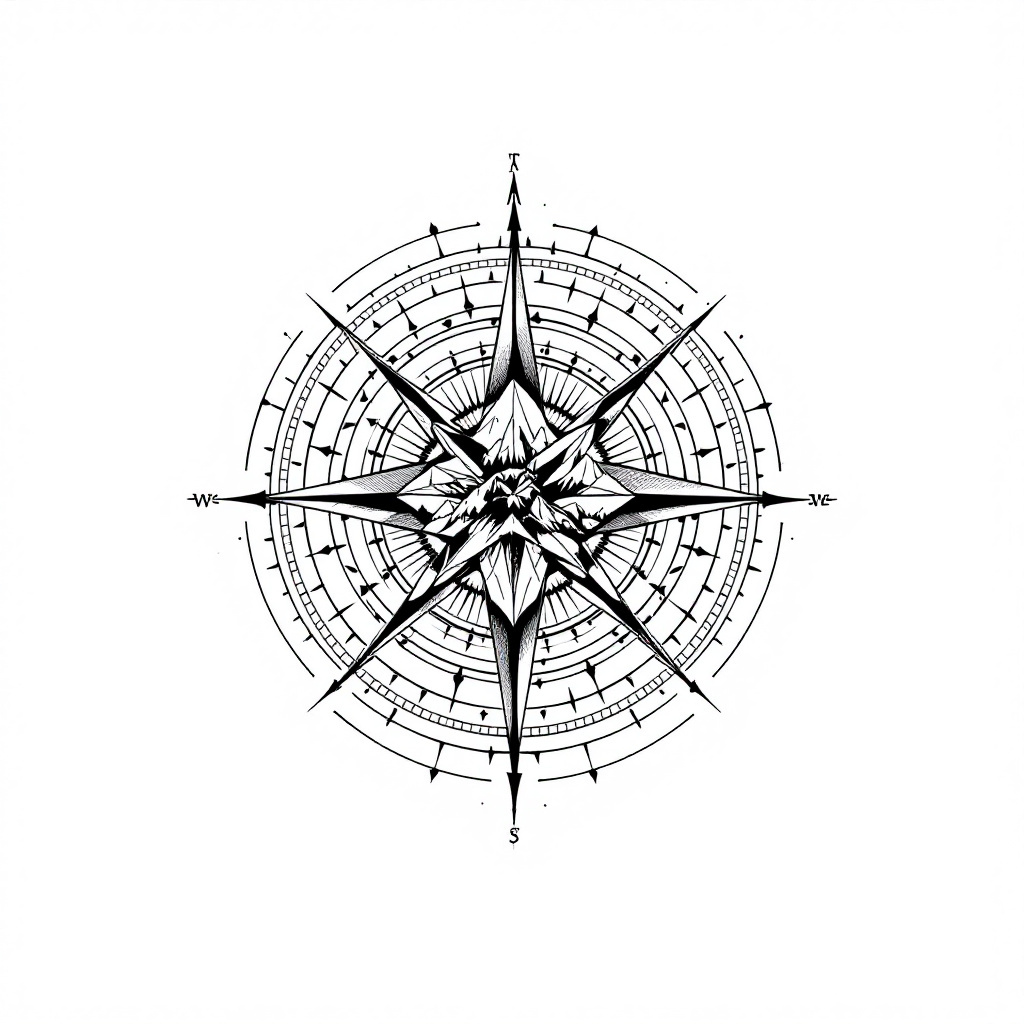
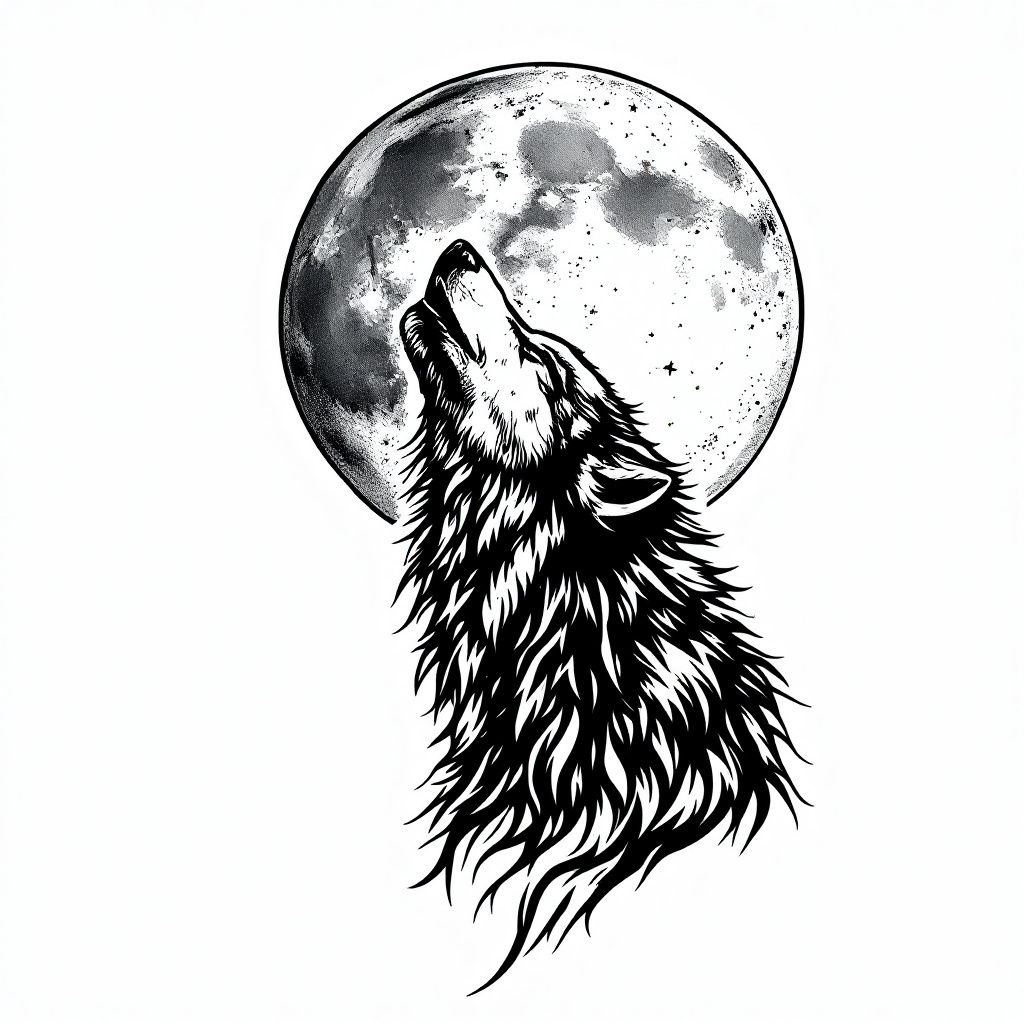
Examples were generated with Tattoo Designer AI. The before photos are free stock photos from Unsplash. Results vary with your idea and photo, and a real tattoo will look different.
How it works
Step 1
Describe it
Write what you want in a sentence: a subject, a symbol, a word. Short and simple works best.
Step 2
Pick a style
Choose fine line, traditional, Japanese, blackwork or another style, and generate in seconds.
Step 3
Try it on
Upload a photo of your arm or leg to see the tattoo on your skin, then download it for your artist.
Explore more tattoo tools
Frequently asked questions
How do I make two tattoos that match?
Generate one design for each person, for example a sun and a moon, or two halves of one shape. Keep both in the same style so they look like a set.