Tattoo Try On
Not sure how a tattoo will look on you? Upload a photo of your arm or leg, describe the tattoo and see it on your skin in seconds, before you commit to the needle.
2. Pick a style
3. Where will it go?
4. Upload a photo of that area
Arms and legs only: no faces, no nudity, nobody else’s photo. Acceptable use
Your tattoo preview will appear here.
Tattoo try-on examples
Upload a photo of your arm or leg and see the tattoo on your skin before you commit.
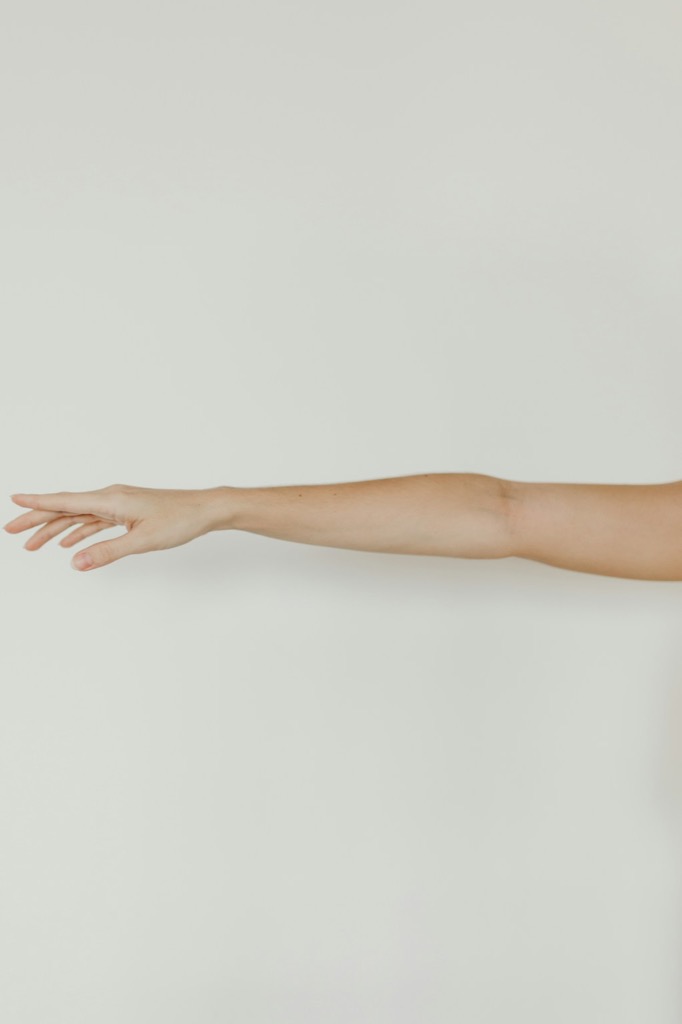 Before
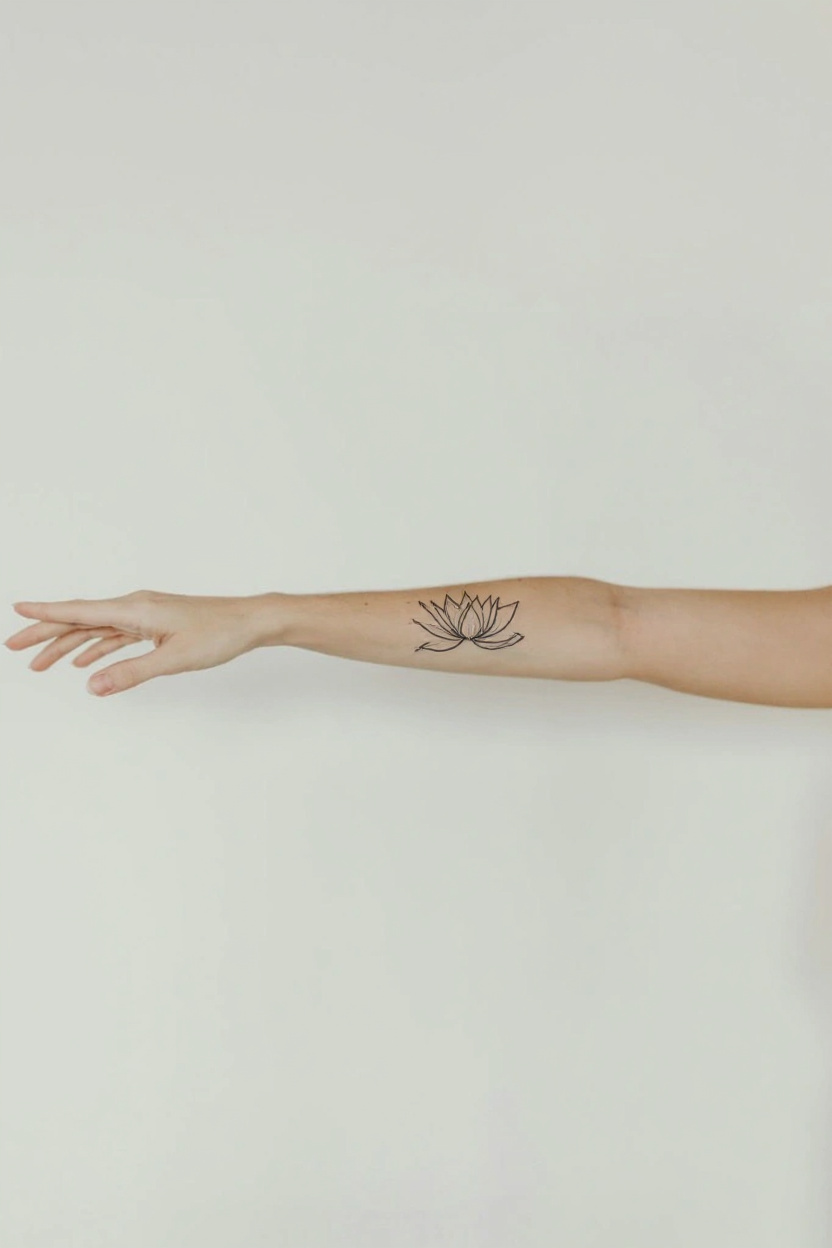 After
After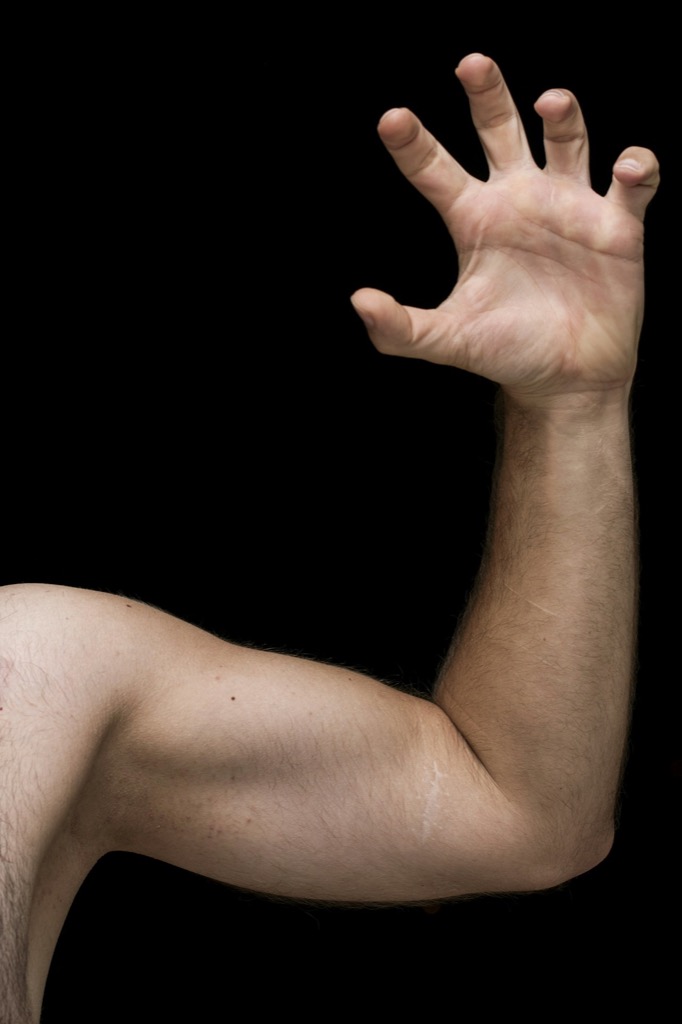 Before
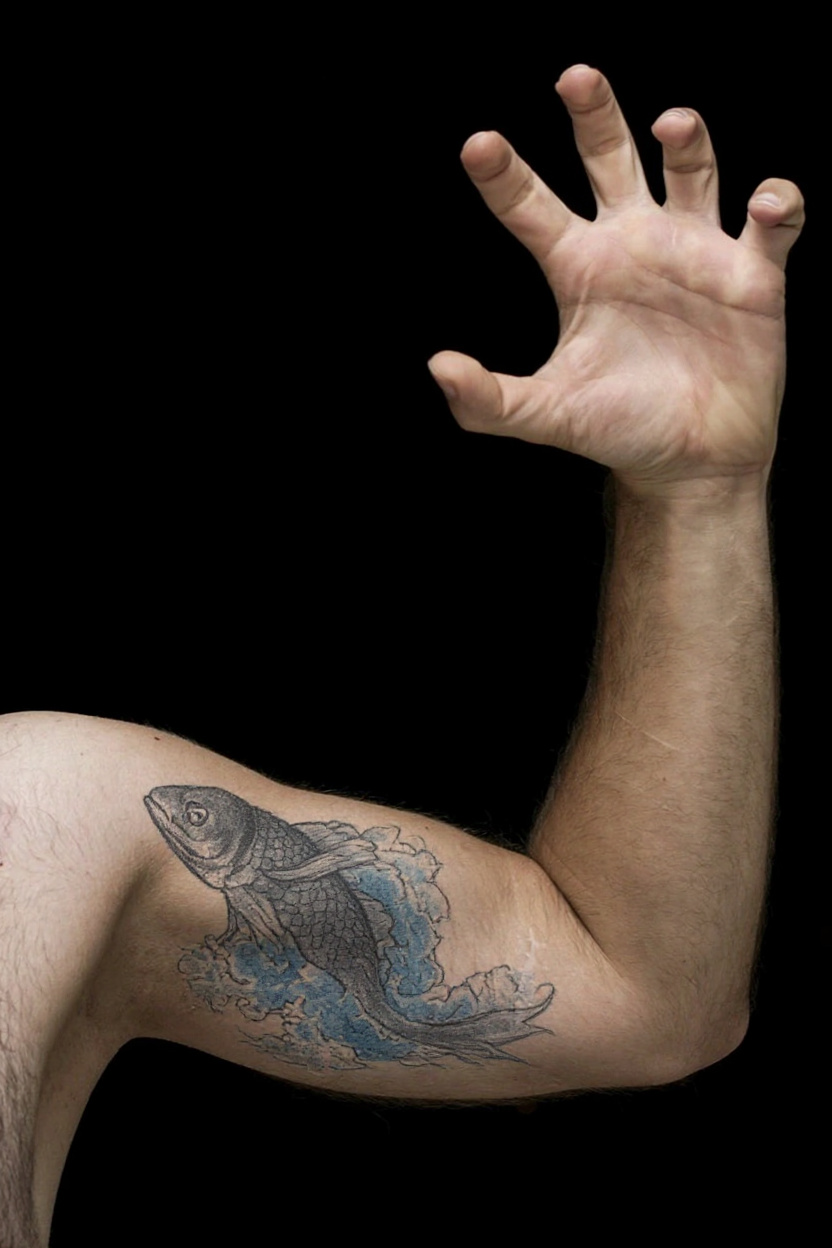 After
AfterExamples were generated with Tattoo Designer AI. The before photos are free stock photos from Unsplash. Results vary with your idea and photo, and a real tattoo will look different.
How it works
Step 1
Describe it
Write what you want in a sentence: a subject, a symbol, a word. Short and simple works best.
Step 2
Pick a style
Choose fine line, traditional, Japanese, blackwork or another style, and generate in seconds.
Step 3
Try it on
Upload a photo of your arm or leg to see the tattoo on your skin, then download it for your artist.
Explore more tattoo tools
Frequently asked questions
How accurate is the tattoo preview?
It is a realistic visual concept, not a stencil. Size, placement and how the ink heals can differ in real life, so bring the idea to a tattoo artist and let them draw the final version for your body.
Which photos work best for trying on a tattoo?
A sharp, well-lit photo of a bare forearm, upper arm, wrist, shoulder, calf or ankle. Keep the whole area in the frame and don't include faces.
Can I preview a tattoo I already have a design for?
Describe it in a sentence and pick the closest style. The AI draws a new tattoo from your description; it can't copy an uploaded design exactly.