Tattoo Lettering Generator
Plan a name, date or short quote tattoo. Type the word, choose a style and see lettering ideas in script, gothic or minimalist looks.
2. Pick a style
Your tattoo design will appear here.
Tattoo design examples
Each one was made from a single sentence and a style.
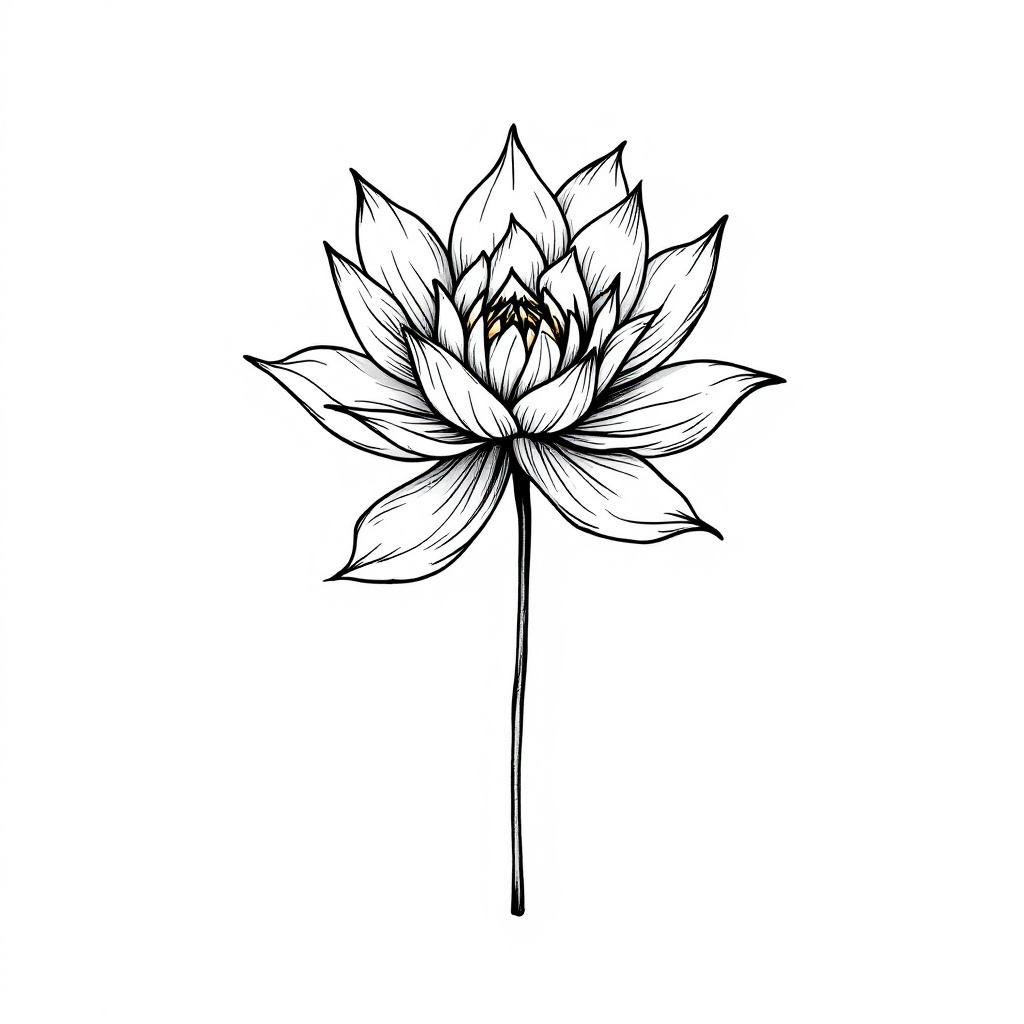
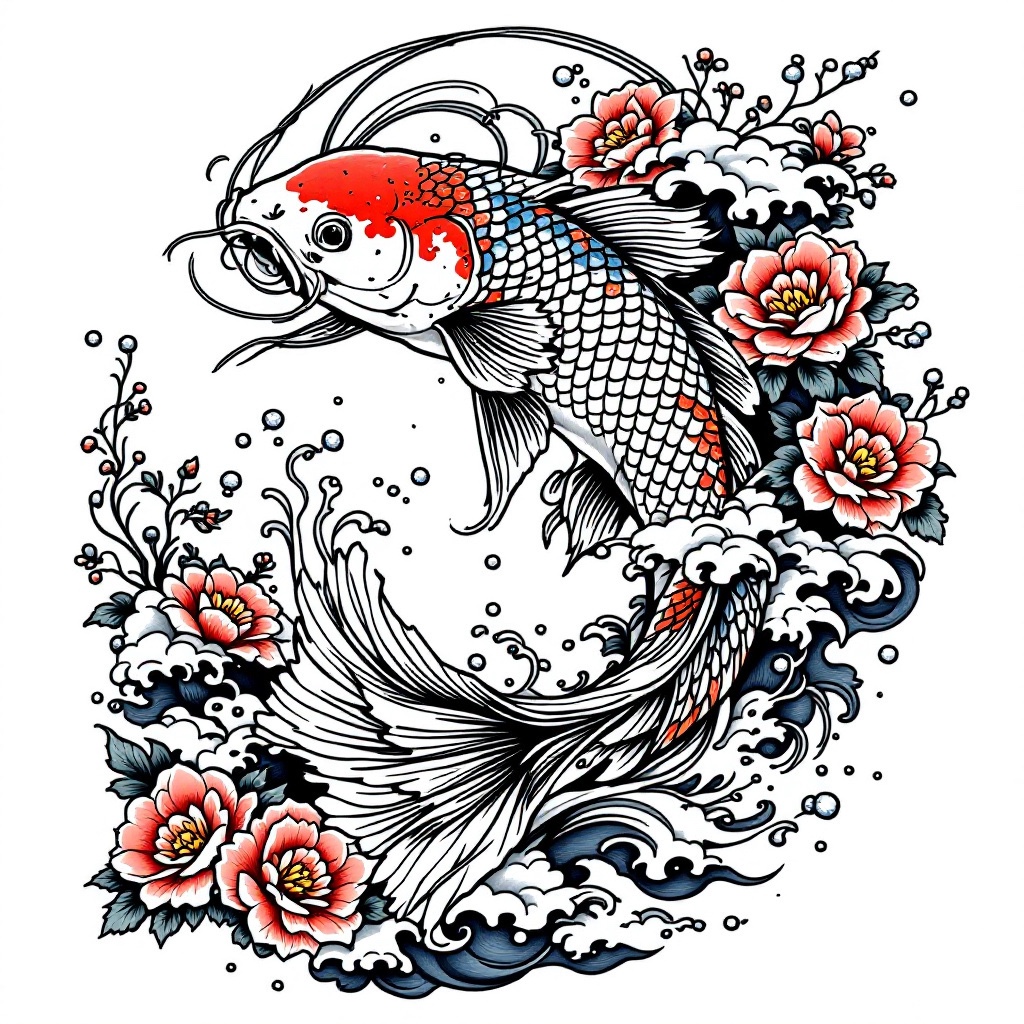
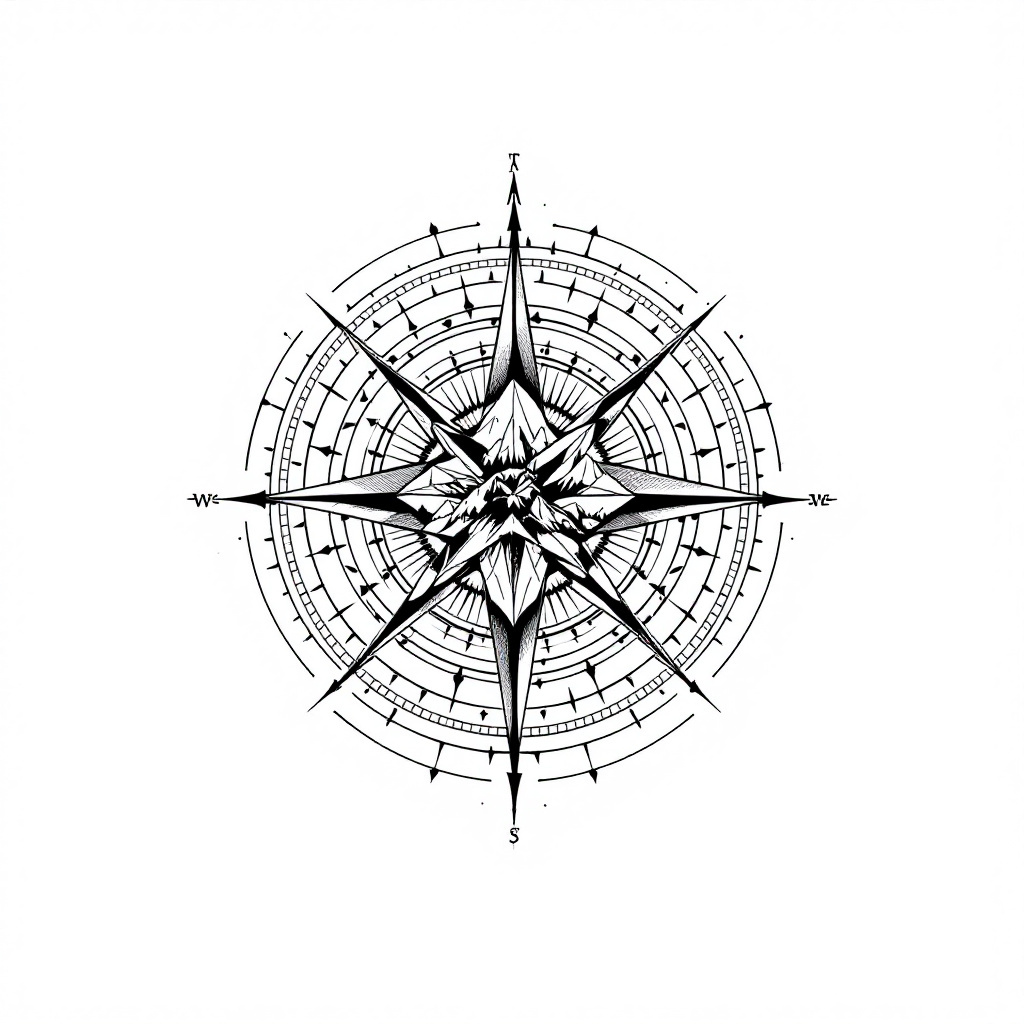
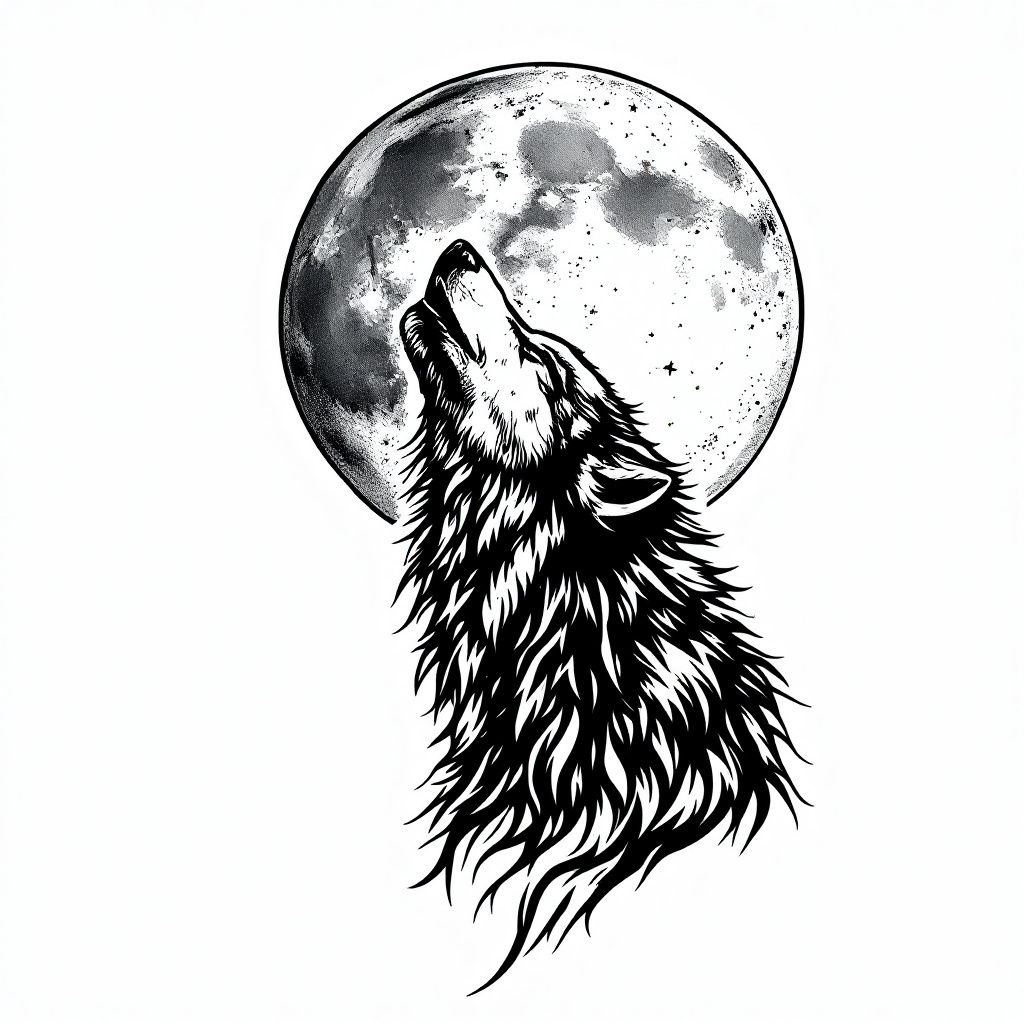
Examples were generated with Tattoo Designer AI. The before photos are free stock photos from Unsplash. Results vary with your idea and photo, and a real tattoo will look different.
How it works
Step 1
Describe it
Write what you want in a sentence: a subject, a symbol, a word. Short and simple works best.
Step 2
Pick a style
Choose fine line, traditional, Japanese, blackwork or another style, and generate in seconds.
Step 3
Try it on
Upload a photo of your arm or leg to see the tattoo on your skin, then download it for your artist.
Explore more tattoo tools
Frequently asked questions
Will the AI spell my word correctly?
Usually, but not always. Check every letter before you take a design to an artist, and have them redraw the lettering. Never get inked with a name or quote without proofreading the stencil.